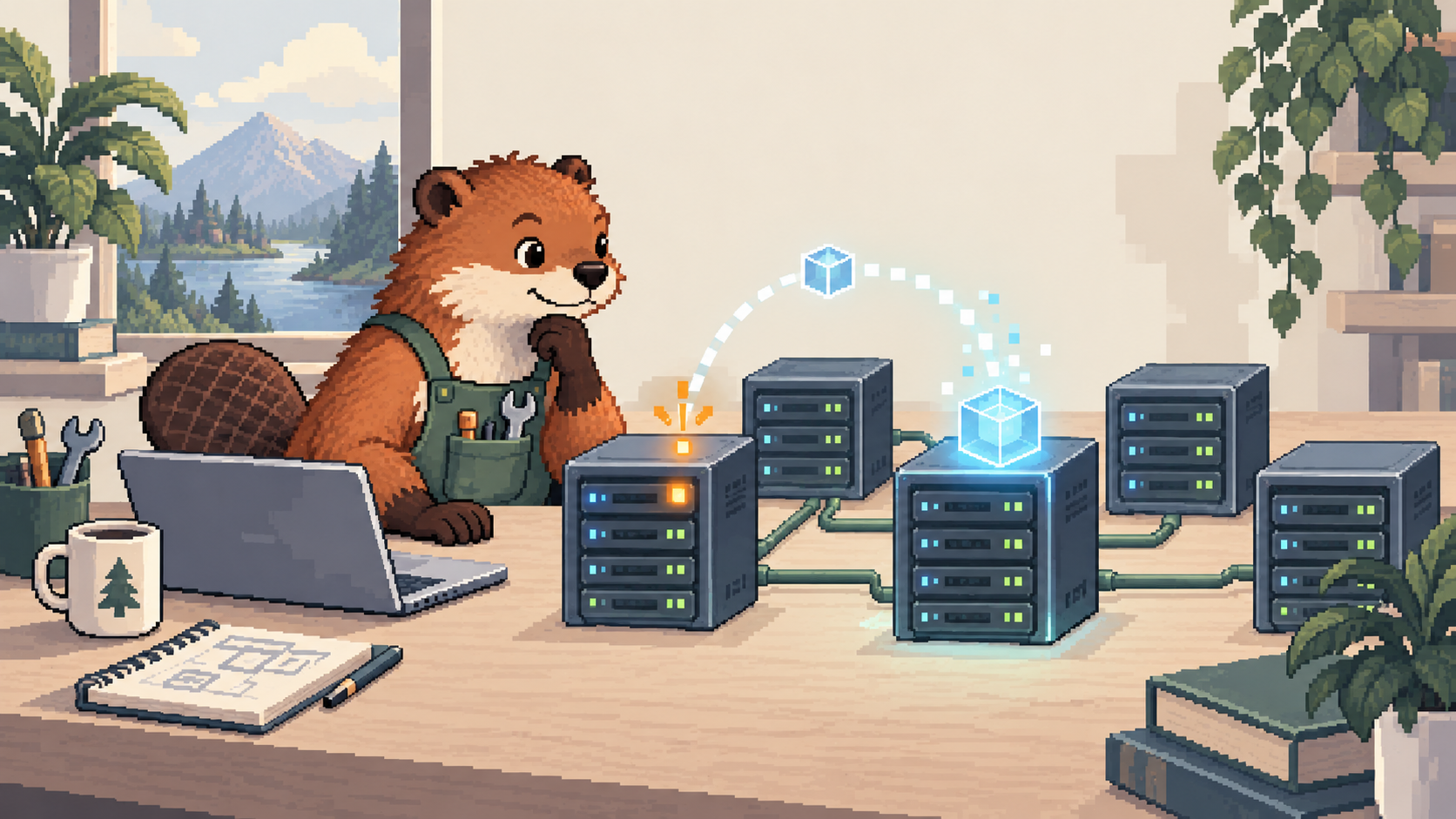

Why Kubernetes Exists: From One Container to Forty Servers
TLDR: Docker packages an application so it can run consistently; Kubernetes coordinates copies across servers and works to restore the desired state when workloads fail or change. I build that explanation from one container to a multi-server deployment, including the extra operational complexity Kubernetes introduces.
I recently heard Kubernetes explained with a simple example: imagine managing 1,000 containers across 40 servers. That finally made it click for me. Starting a container is one task. Knowing where all those containers are, replacing them when a server fails, and rolling out new versions across the fleet is another.
I had heard that Kubernetes "manages containers," but I hadn't understood what that actually meant. If Docker already runs them, what was missing?
First, the problem Docker made easier
Imagine I build a small web app on my laptop. Moving it to a server means getting the same language version, libraries, and configuration in place. Docker made that easier: I build an image with the app and what it needs, then run that image as a container. Docker's open source engine launched in 2013.
The distinction I needed was simple: the image is the package; the container is a running copy. Docker did not invent containers, but it made them much easier to build and use.
For one app on one server, Docker may be enough. Docker Compose can start the app, its database, and other services together. It can even run several copies of one service on that host.
That was the part I was missing: Compose already manages multiple containers. If I run three copies of my web app with Compose, they still depend on the host I deployed them to. If that host dies, Compose does not automatically find another server and recreate them there. Docker's production guide describes the standard single-server deployment and points to Swarm when a cluster is needed.
The next problem appears when that app grows beyond one server.
Now put the application on forty servers
The 1,000 containers and 40 servers are just an example. There is no number at which Kubernetes suddenly becomes mandatory. The example helps me see the work that appears when an app runs across many machines.
Say my web app now needs 30 copies. I have to answer a few questions:
- Which servers have room for those copies?
- What happens to the copies on a server that dies?
- How do I update the app without stopping all 30 at once?
- How does a user reach a working copy when individual containers change?
I could try to handle all of that with scripts and manual work. But now I am building my own system to keep track of the servers, the app, and every failure. That is the problem Kubernetes addresses.
The important shift is from starting containers to keeping an application running.
Where Kubernetes came from
Google had already faced this problem at a much larger scale with its internal system, Borg. Engineers brought lessons from Borg into a new open source project, Kubernetes, announced in June 2014.
That timeline helped me understand the difference. Docker made containers easy to package and run. Kubernetes tackled the work of running many of them across a fleet. Kubernetes' history of Borg explains where those ideas came from.
The important idea: tell the system what should be true
The part that made Kubernetes click for me is desired state. I tell it, "I want three copies of this web app running." I do not have to choose a server for each copy myself.
Kubernetes checks what is actually running against what I asked for. If one copy disappears, a Deployment works to bring the number back to three. It can also replace copies gradually when I release a new version.
Kubernetes calls each running unit a Pod. A Pod usually contains one app container, though it can contain more. A server in the cluster is called a node. The scheduler chooses a node for each Pod, and the node runs it. Kubernetes' workload documentation explains those terms.
Here is the loop in plain English:
The control plane keeps checking and making decisions. That is why "traffic controller" only describes one part of Kubernetes. The more useful picture for me is a system that notices when reality drifts away from the plan and tries to correct it.
What happens when a server fails?
Say one of my three Pods is on a server that goes down. The Pod does not move like a file. Kubernetes creates a replacement Pod and schedules it on another server that has room. That takes time, but I no longer have to pick the replacement server by hand. Kubernetes' self-healing documentation describes this behavior.
What about incoming traffic? Users cannot keep track of changing Pod addresses either. A Kubernetes Service gives the app a stable name and sends requests to Pods that are ready. If a Pod is no longer ready, it stops being a destination for new requests.
This does not make downtime impossible. Kubernetes still needs time to detect a failure and start a replacement. If every other server is full, the replacement has nowhere to go. It gives us a way to respond to failure, not a guarantee that the app cannot fail.
Docker versus Kubernetes, in one view
- Docker: build an image and run it as a container.
- Compose: define and run several services or copies together, commonly on one Docker host.
- Kubernetes: keep the requested app running across a cluster, including placement, replacement, updates, and a stable route to its Pods.
They fit together. An image I build with Docker can be used in Kubernetes. Compose can also be used with a platform such as Swarm for a cluster; in that case, the cluster platform provides the scheduling. The difference is whether I need to run several containers together or keep a workload running across machines.
When I would actually reach for it
For one app on one server, I would probably start with Docker or Compose. Kubernetes would give me a lot more to operate before I had a reason to need it.
Across many servers, with frequent updates and an app that needs to stay available, the tradeoff changes. Kubernetes can take over work I would otherwise have to coordinate myself.
My original "traffic controller" picture was a useful start. What made it click is the loop: I describe what should be running; Kubernetes keeps checking the fleet and trying to make that true. Routing traffic is one piece of that job.
What I am taking away
- Docker solves the packaging and running problem. Kubernetes solves the coordination problem across servers.
- There is no magic container count. The question is whether placement, recovery, updates, and routing have become hard to manage.
- Kubernetes is useful when that operational work is real. A small app does not need a cluster just because it uses containers.
Filed under infrastructure, containers, kubernetes, networking. If any of this is wrong, or you have hit the same thing, tell me.
Published 8 October 2026. Updated .