Google Cloud Cybersecurity: The Labs Made It Stick
TLDR: Google Cloud's five-course Cybersecurity Certificate gave me hands-on practice with IAM, Terraform, Security Command Center, and incident recovery. The data-breach capstone made the defensive work concrete: investigate the finding, choose a response, and work through recovery rather than stopping at detection.
Finding a weakness is familiar territory for me. But once you discover that customer data has been exposed, what happens next? Which system do you isolate, what do you restore, and how do you know the obvious holes are closed? That was the question that made Google Cloud's Cybersecurity Certificate memorable for me.
This is the Google Cloud Cybersecurity Certificate, the five-course path on Google Skills, rather than Google's separate, general Cybersecurity Certificate. Google lists 12 hands-on labs and a capstone. The path is introductory, but I found it practical. I came in knowing how to create compute resources, work with networks and service accounts, and use Terraform. I came away with a much clearer picture of how Google's security tools fit into those resources.
How the cloud pieces fit together
All five instructors brought energy to the material and shared experiences from their own work. I especially want to commend the woman who presented the first course. She seemed genuinely excited about the job, smiled through the explanations, and made jokes that kept the lessons moving. Her teaching stayed with me.
The first course was also the right starting point. It refreshed cloud computing basics without leaving them as isolated definitions. IAM answers who can change a resource. Compute is where a workload runs. Networking and firewall rules decide which paths reach it. Storage holds the data you actually care about. Once I could see those parts together, the later security labs made more sense.
The labs turned the concepts into actions
I liked that the exercises were approachable without being passive. I could change a setting, inspect a finding, and see why the change mattered. Creating IAM roles, working with firewall rules, and exploring Web Security Scanner on a VM gave the product names something concrete to attach to.
I'd used Terraform before to create VPCs and compute resources. The “Change firewall rules using Terraform and Cloud Shell” lab showed how the same infrastructure-as-code workflow applies to a security control. In Google Cloud, these are VPC firewall rules: Terraform can define which traffic a rule allows or denies, where it comes from, and which instances it targets. Google's Terraform example uses the google_compute_firewall resource. Writing the rule down also makes the intended change easier to review before applying it.
The other surprise was how much security visibility Google Cloud already provides. Security Command Center brought findings and misconfigurations into view, and the risk management course included a lab on using reports to remediate findings. Seeing a compliance report tied to actual resource problems made the frameworks less abstract. A report is a way to investigate and verify particular controls; it isn't a magic certificate that the whole organization is compliant.
Respond and recover from a data breach
My favourite exercise was the capstone lab. My training is on the offensive side, in red teaming and penetration testing. I know how to look for weaknesses; I had far less practice seeing what a blue team does after a breach. Working through analysis, containment, recovery, remediation, and verification gave me a better view of the defender's job.
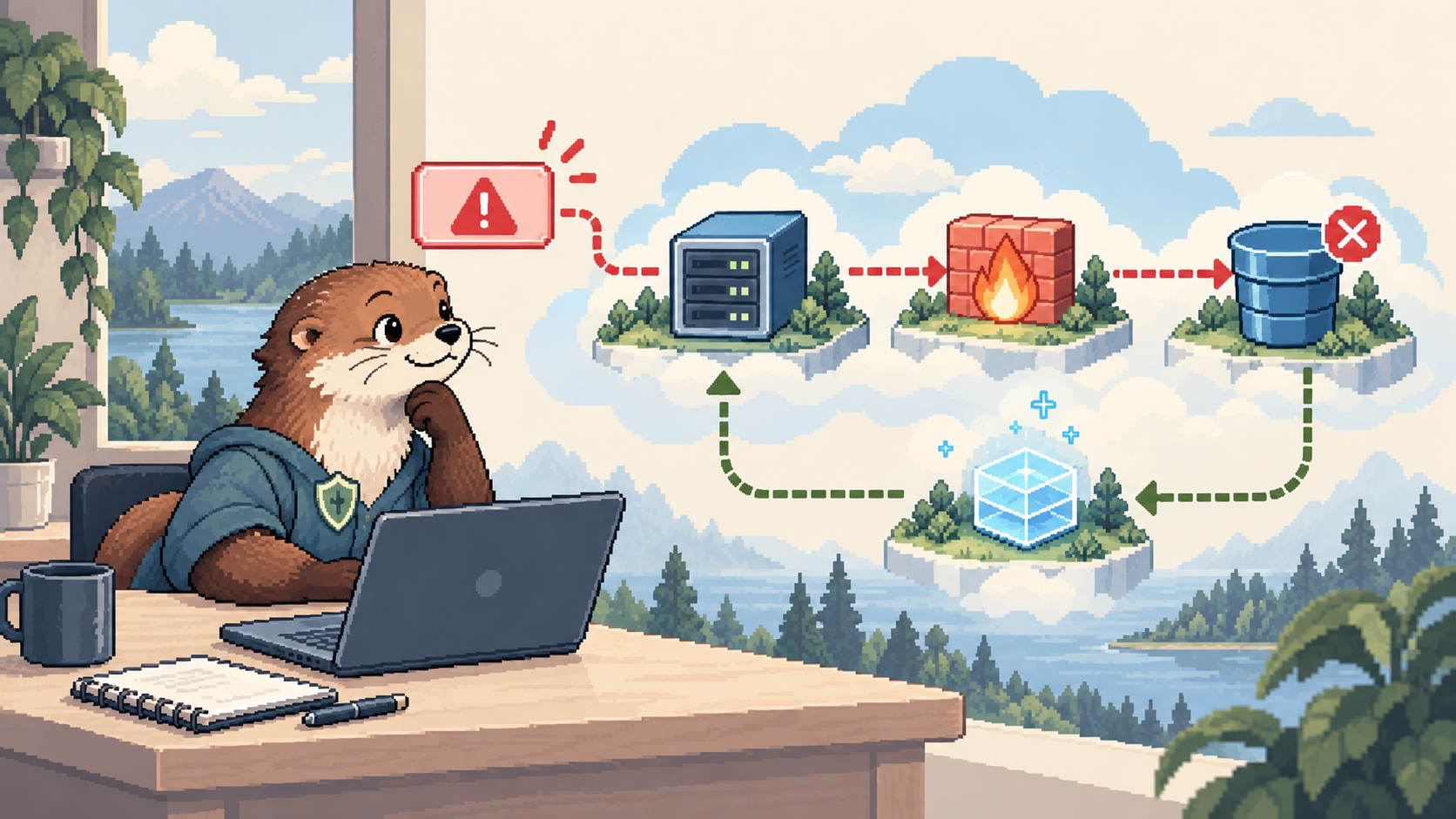
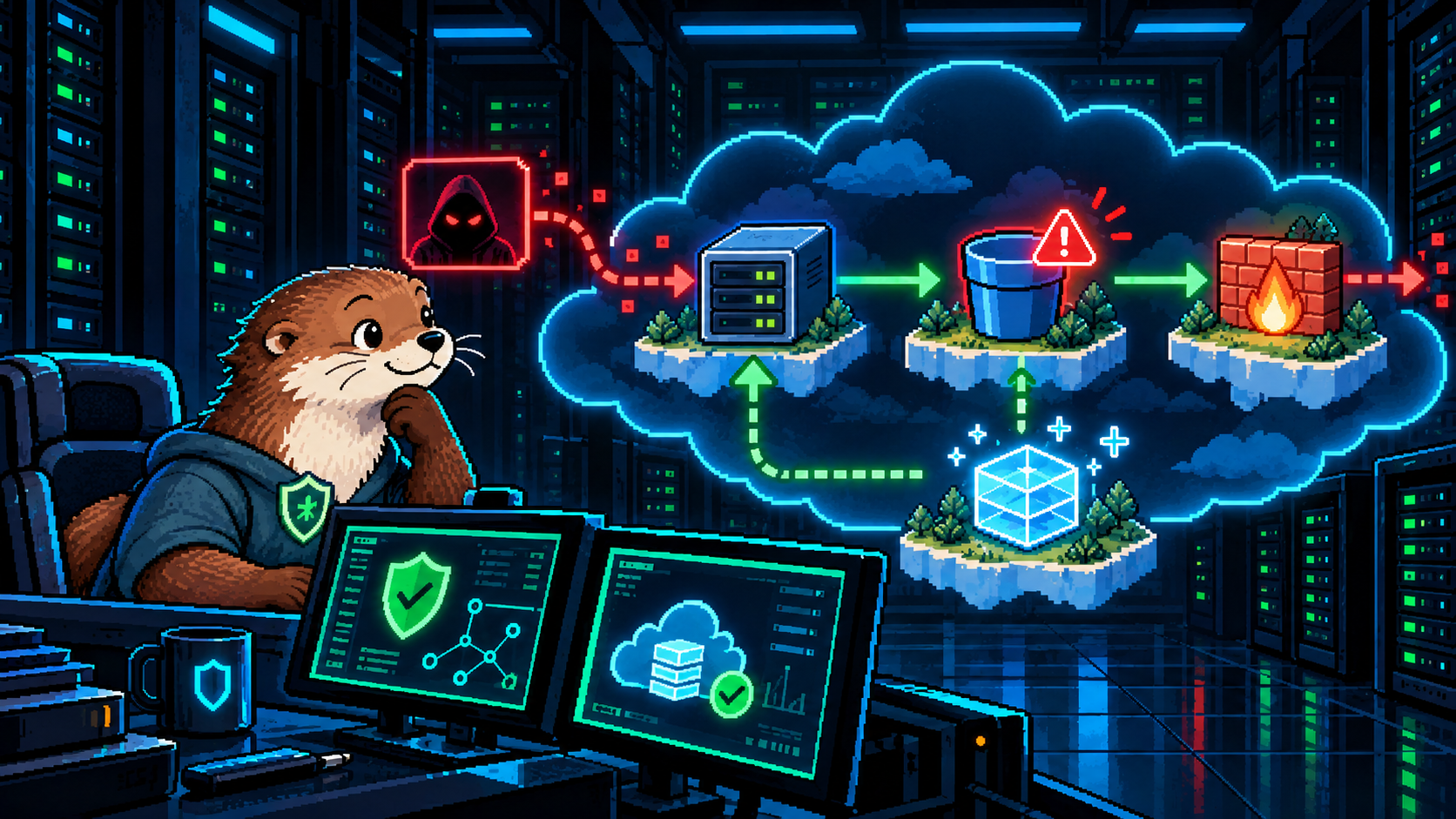
In the fictional breach scenario, the lab uses Security Command Center findings and a PCI DSS report to point toward problems involving a Compute Engine VM, a Cloud Storage bucket, and firewall rules. The response sequence includes shutting down the affected VM, creating a new VM from a snapshot taken before the infection, removing public bucket access, tightening firewall access, enabling firewall logging, and revisiting the report. Some tasks are challenges rather than click-by-click instructions. Google's lab instructions spell out that sequence.
Incident response covers the whole sequence. Outside the lab, teams also need to preserve evidence, validate scope, coordinate communications, and test the service before calling recovery complete.
This exercise didn't make me an incident responder after 90 minutes. It did change the question I ask after finding a vulnerability. Can the team contain it, restore a trustworthy service, and prove that the specific exposure was removed? That is a more useful finish line than simply saying the finding is fixed.
The disaster recovery material in course four reinforced the same idea at business level. Before choosing a backup or rebuilding a VM, identify the critical service, its dependencies, the impact of disruption, and how much interruption the organization can tolerate. A restored machine is only part of recovery if the service people depend on still doesn't work.
Was it worth the time?
For me, yes. Google's planning guidance is roughly 90 hours; I think I finished in roughly three focused days. I already had security, networking, cloud, and Terraform experience, so that pace is my experience, not a beginner's timetable. The labs were the best part, and the instructors made the videos easy to stay with.
I'd especially recommend it to someone who wants to focus on Google Cloud security and needs hands-on orientation to the platform. At the time of writing, Google lists the Google Skills subscription at $29 USD per month, roughly the $30 monthly price I had in mind. Check the current price and access terms before enrolling.
What I took away
- IAM, compute, networking, and storage make more sense as one connected system than as four vocabulary lists.
- Terraform is useful for making security changes explicit and repeatable; the firewall lab was a welcome refresher.
- Security Command Center findings and compliance views help prioritize concrete fixes, but a cleared lab check is narrower than full compliance.
- The data breach capstone made containment and recovery feel like practical work rather than the final paragraph of a penetration test report.
The certificate didn't turn every Google Cloud feature into second nature. It gave me a working map and enough time at the controls to know what I want to explore next. That's a lot to get from an introductory course.
Filed under Cloud Security, Google Cloud, incident response, Terraform, learning. If any of this is wrong, or you have hit the same thing, tell me.
Published 30 October 2026. Updated .