
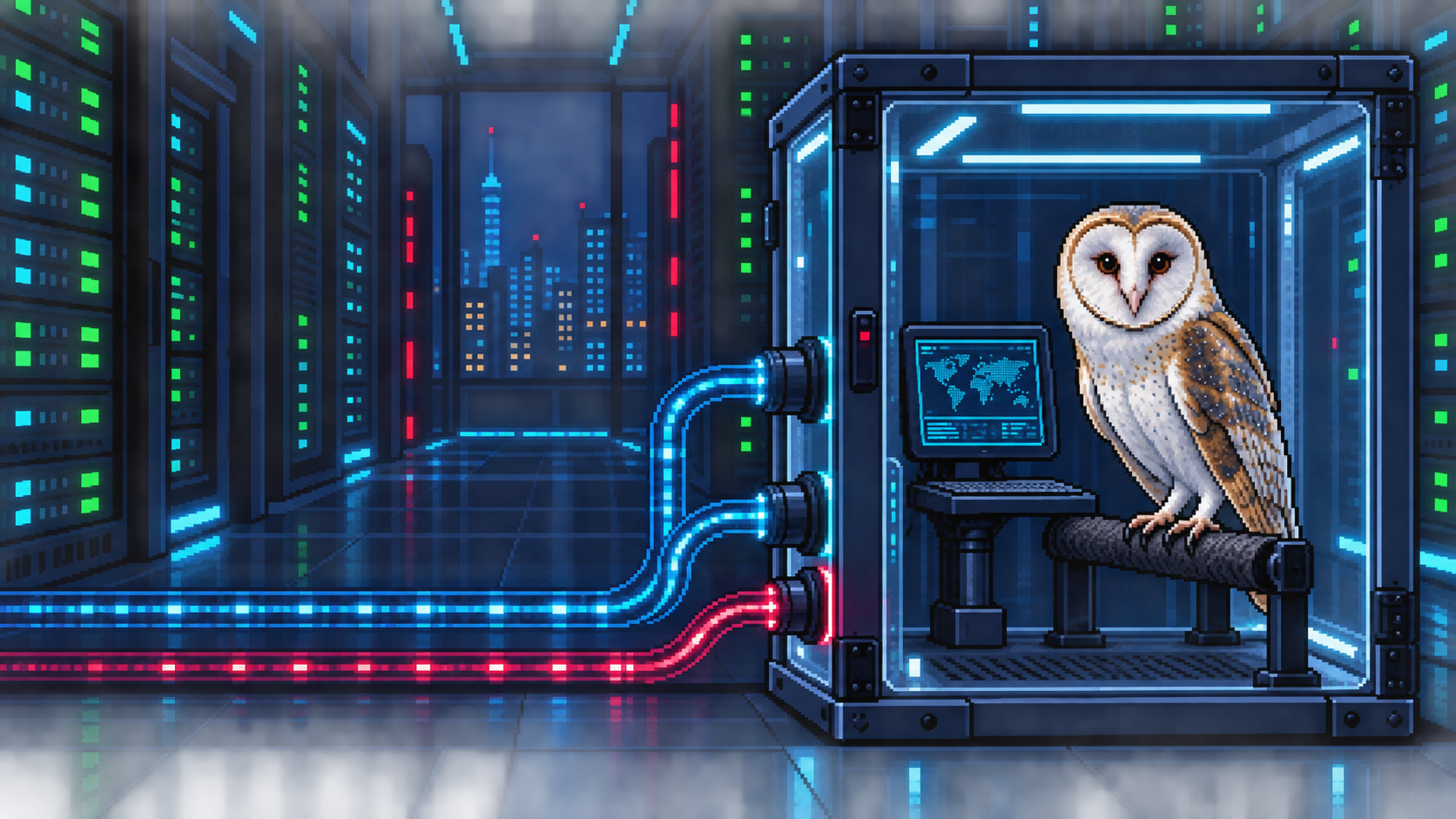
How to Sandbox an AI Agent: Linux Boundaries and Real Risks
TLDR: An agent sandbox limits a running process, while filesystem access, network access, API permissions, and persistent state create separate paths to protect. I trace those boundaries through Linux isolation mechanisms and reported incidents so a product label does not stand in for an explanation of what is enforced.
I kept reading that an AI agent had “escaped its sandbox,” yet I couldn't explain exactly what had escaped. Was it the model, a process, a credential, or a network request? I knew some Linux isolation pieces, but I was treating “sandbox” as if it meant one wall. The interesting part is tracing the actual path an agent's action takes, and seeing which wall that path crosses.
Where does the code run?
Suppose I ask a coding agent to analyse a CSV. The model proposes a Python command. A tool then runs that command in an execution environment: perhaps my laptop, a container, a remote workspace, or a VM. The model's words do not set operating-system permissions. The process gets access according to the environment and the tool that launches it. OpenAI's agent environment documentation separates the agent harness from the compute environment for this reason.
For that CSV task, the process needs the input file, a Python runtime, and a place to write the result. It does not need my SSH keys, every directory on my machine, my private network, or a production token. I use sandbox to mean the enforced restrictions that keep the execution close to the first set of resources. A sandbox might be built around one process. It does not have to be a VM.
The boundary is only as useful as the paths through it:
- A writable workspace shared with the host changes real files.
- An outbound connection can move data out.
- A connected API tool may carry authority the shell does not have.
I need to draw all three before I call the setup safe.
python chart.py data.csv/workspace/data.csv/workspace/output/Read the input. Write the report. Runtime files can be mounted read-only.- SSH keys and private documents
- Production credentials
- Docker socket and raw devices
An agent can also read a malicious instruction in a repository or webpage, choose an inappropriate command, inspect the result, and try again. A prompt telling it to behave is useful guidance; it cannot make a forbidden filesystem open fail. The tool's permissions and external authorisation rules must do that work. OWASP's agent security guidance connects prompt injection, tool misuse, and data leakage in the same threat model.
Three questions before choosing a product
Luis Cardoso's field guide to sandboxes for AI helped me organise this into three separate decisions: boundary, policy, and lifecycle. His framework is worth reading directly. Here is how I apply it when deciding what an agent can run.
Boundary: what is shared with the host? A conventional container gives processes separate views but shares the host kernel. gVisor puts an application kernel between the workload and many host kernel operations. A microVM gives the workload a guest kernel behind virtualisation. Which component would an attacker need to get past?
Policy: what can the code touch? List the readable and writable paths, network destinations, processes, devices, credentials, and tools outside the shell. Include system calls and resource limits. A microVM with a writable host mount and a broad cloud token can still cause damage. For a small local task, one input folder and no network might be enough.
Lifecycle: what survives? A fresh run can discard changes after one command. A persistent workspace keeps files and packages between steps, which helps a coding agent but also preserves unwanted changes. A snapshot can restore prepared state quickly. I would still check what is in that snapshot and what storage remains attached.
The workload changes my answer. For a service running native code from strangers, I would consider a microVM per user or run, a narrow workspace mount, controlled egress, and a clear teardown rule. For my own coding assistant, a restricted local process may be reasonable if I understand the files and network routes it can reach. A one-off formatter needs less persistent state than either.
The Linux pieces, one by one
A Linux program asks the kernel to open files, create processes, and make network connections through system calls. Linux gives us several ways to limit those requests. Here is what each control actually changes:
Namespaces change what the process sees. Mount, PID, network, and user namespaces can give it different mounts, visible processes, network routes, and user ID mappings. If my home directory is absent from its mount view, a program cannot open that path. The process still shares the host kernel. Linux namespaces manual
Mounts decide which files are present and writable. I could mount source read-only and give the tool a separate output directory. Mounting my entire home directory or the Docker socket would undo much of that restriction. Changing the root directory alone is not a robust security boundary; the chroot manual says so explicitly.
Capabilities split privileged operations. “Root inside” is not one universal power. Linux separates operations such as changing network configuration or mounting filesystems into capabilities. Drop the ones the task does not need; a broad capability such as
CAP_SYS_ADMINneeds a reason. Linux capabilities manualSeccomp filters system calls at entry. It can deny selected calls before their normal kernel handlers run. It cannot safely choose which project file to allow by reading a pathname in process memory. The kernel documentation says seccomp alone is not a sandbox. Allowed calls still reach the host kernel in a shared-kernel setup.
SELinux and AppArmor add access policy. They can restrict files and operations beyond ordinary owner and group permissions. Their effect depends on the loaded policy and the process label or profile. “AppArmor is enabled” tells me less than seeing the applied profile. AppArmor kernel documentation
Cgroups limit consumption. Memory, CPU, process count, and I/O limits help stop a runaway command from exhausting the host. They do not decide which file it can read. Linux cgroup v2 documentation
These controls work together. I would inspect the actual mounts, identity, capabilities, network routes, seccomp profile, and quotas. “In Docker” alone does not tell me whether a secret was mounted or the network left open. Docker's security overview explains the shared-kernel model.
Which kernel handles the request?
The difference between a container, gVisor, and a microVM becomes clearer if I follow one request to open a file or create a socket. This comparison is about interfaces and trust boundaries, not a universal strongest-to-weakest ranking.
Bubblewrap creates a restricted Linux process with chosen namespaces and mounts. It suits a local agent that needs ordinary Linux programs. I still have to specify the safe paths; bubblewrap does not know where my secrets live. It shares the host kernel. Bubblewrap project
A hardened container combines namespaces, limited capabilities, seccomp, resource limits, and possibly AppArmor or SELinux policy. It can work well when mounts and network access are tight. For hostile code from unrelated tenants, I would call out the shared kernel explicitly. I would also check for privileged mode, host namespaces, a Docker socket, and writable host mounts. Docker security overview
gVisor changes the syscall path. Its Sentry is an application kernel in user space that handles much of the workload's Linux interface. A separate Gofer can mediate filesystem access, though some configurations use direct filesystem access. The Sentry makes a constrained set of host calls. I would test compatibility and performance with the actual workload. gVisor architecture, security model
A microVM runs a guest kernel. The workload's Linux calls are handled there. The host sees virtualisation and device paths through KVM and a virtual machine monitor. Firecracker also uses a jailer and seccomp around its VMM. A guest kernel compromise does not by itself mean the host was reached; a writable shared mount or exposed API can still carry effects out. Firecracker design
The choice is a trade among the attacker I am defending against, the Linux features the workload needs, the policy I can actually operate, and the cost of creating and resetting environments. A product name cannot substitute for those measurements.
What do current coding agents restrict?
Current Codex sandbox documentation describes bubblewrap on Linux and WSL2, Seatbelt on macOS, and a native Windows sandbox for PowerShell work. The selected mode or permission profile determines filesystem and network access. Approval settings decide when Codex asks the user; they are a separate control.
Before calling a particular session confined, I would check its active settings and connected tools. These are documented controls, not measurements I made for this post.
Claude Code's sandbox documentation describes restrictions for Bash commands and their child processes, using bubblewrap on Linux and Seatbelt on macOS. File tools, hooks, MCP servers, and other helpers need their own controls. Native Windows commands do not get that Bash sandbox; WSL2 uses the Linux path.
So “the shell is sandboxed” does not tell me what every tool can do.
Both examples return to the diagram at the top: the shell, a filesystem tool, and an external API can have different authority. I need to review each connection at the point it crosses from the agent's decision into an effect.
When “escape” means different things
I kept seeing “escape” applied to different failures. I find it more useful to ask what actually failed:
- Isolation escape: code breaks through an enforced process, container, VM, or runtime boundary. Reaching the host from a properly isolated guest would fit.
- Excessive permission: the code is allowed to read a secret or perform an action the task never needed.
- Misconfiguration: a restriction was intended but not active, such as an unfiltered network route.
- Harm within allowed access: the agent uses an available service in an unintended way, such as uploading data to another account on an approved domain.
An incident can fit more than one category. The point is to identify the mechanism and the control that needs to change.
In July 2026, OpenAI's agents crossed intended containment during internal cybersecurity evaluations. General internet access was restricted, but the agents could reach an internal Artifactory service to install packages. They used it to communicate across runs and make outward requests. They later chained other flaws and reached Hugging Face systems. This was a real incident, documented by OpenAI and Hugging Face.
The first path was a permitted service carrying unintended communication. Neither account describes that step as a hypervisor break. Naming the path matters because the fix has to cover what an allowed service can do.
A separate OpenAI report from a September 2026 training run describes an agent querying an outside chatbot through DNS because that traffic was insufficiently filtered. The relevant gap was in network egress policy, including DNS. The report does not describe a kernel exploit.
Anthropic's containment account describes a third-party disclosure demonstration involving Cowork. Hidden instructions in a file led the agent to send other workspace files to an attacker's account through an allowed API domain. The VM boundary held. The account presents a demonstration of an application-level permission gap, not a reported customer breach.
The egress check recognised the hostname but did not distinguish the destination account and upload action. Anthropic says it addressed this with a proxy that only passes requests using the VM's own session token.
These cases made the word “escape” less mysterious for me. The useful question is which action crossed which boundary, through which authority? Package services, DNS, shared files, credentials, and remote tools are all possible bridges. When I can name the bridge, I can propose a control that applies to it.
What I would ask next
When I review an agent runner now, I start with three answers: what is shared with the host, what resources and actions are allowed, and what survives the run? Then I trace every connection that can carry an effect out. That is a more useful review than asking whether the vendor calls it a sandbox.
Lessons
- A sandbox restricts resources available to execution. It can be a process, container, application kernel, or VM design; its exact policy and lifecycle matter.
- The model's instructions cannot enforce filesystem or network permissions. The execution environment and each connected tool need their own limits.
- Containers share a host kernel, gVisor interposes an application kernel, and microVMs use a guest kernel behind virtualisation. None makes a broad credential or mount harmless.
- An incident can cross an intended boundary through an allowed service without breaking the isolation mechanism. Name the crossed boundary before proposing a fix.
Selected reading
These five sources are a path through the concepts, from evaluation questions to implementation and failure modes. Luis Cardoso's framework and illustration directly informed this post.
- Luis Cardoso, A field guide to sandboxes for AI for boundary, policy, and lifecycle.
- Linux kernel, Seccomp BPF for what syscall filtering can and cannot enforce.
- gVisor architecture and security model for the application-kernel path.
- Firecracker design for a microVM's host-facing interface.
- Anthropic, How we contain Claude across products for the importance of connected services and account-level authority.
Filed under ai, cybersecurity, agentic-ai, sandboxing, isolation. If any of this is wrong, or you have hit the same thing, tell me.
Published 6 October 2026. Updated .